Overview
Comparing files often means pasting proprietary code or data into online tools that upload your text to external servers. Standard diff viewers also struggle with structured formats like Jupyter notebooks (.ipynb), where minor metadata or execution counts obscure the actual code changes.
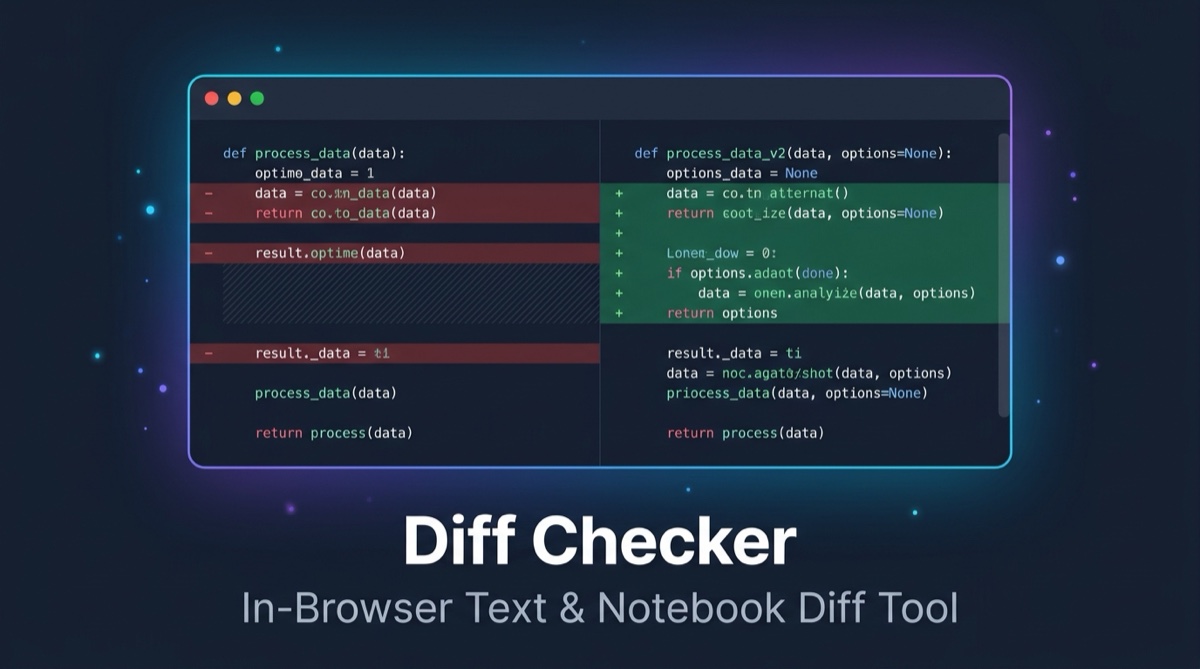
Diff Checker is a fast, web-based comparison tool designed to solve both problems. It handles plain text, source code, and Jupyter notebooks entirely inside your browser tab. Your files never leave your computer, no account is required, and the application works offline as an installable Progressive Web App (PWA).
Text and Code Comparison
The text comparison engine handles raw text, scripts, configuration files, and documentation with multiple viewing modes and customization options:
- Split and Unified Views: Toggle between a two-column side-by-side view and a single-column unified diff view with a single keypress (
u). - Granular Highlighting: Choose between character-level, word-level, and line-level difference highlighting to spot single-character edits or large structural shifts.
- Diff Normalization: Toggle options to ignore whitespace discrepancies, ignore case variations, skip blank lines, or ignore carriage return line endings (
\r\nvs\n). - Swap Panes: Switch the original and modified inputs with one click to reverse the comparison direction.
- Patch Export: Generate and copy standard unified diff patches ready to apply with
git applyorpatch.
Jupyter Notebook (.ipynb) Diffing
Jupyter notebooks store code, rendered outputs, and execution metadata together in a JSON structure. A standard diff tool often shows dozens of meaningless changes when all you did was run a cell.
Diff Checker parses the notebook structure to deliver cell-level diffs:
| Feature | How Diff Checker handles it |
|---|---|
| Cell Separation | Groups changes by Markdown cells and Code cells instead of raw JSON lines. |
| Cell Movement | Detects when a cell has been moved up or down within the notebook. |
| Noisy Metadata Filtering | Ignores execution counts, cell collapse states, and execution timestamps that create false diffs. |
| Rich Output Comparison | Compares cell outputs including plain text, stdout, stderr, HTML tables, and embedded images (PNG, JPEG, SVG). |
| Fallback Plaintext Mode | Allows switching back to raw text comparison if a notebook contains malformed JSON. |
Privacy and Local Execution
Diff Checker is hosted as a static site on GitHub Pages:
- Zero Server Uploads: All diff parsing and Myers difference algorithms run locally in client-side JavaScript.
- Background Processing: Large files and notebooks are processed inside dedicated Web Workers so the browser UI remains responsive.
- No Tracking: No analytics cookies, trackers, or third-party tracking scripts are loaded.
- Strict Content Security Policy: The site enforces strict HTTP headers restricting scripts and network requests to local origins.
Keyboard Shortcuts
The interface is built for keyboard-first navigation:
| Key | Action |
|---|---|
| n / p | Jump to next or previous difference chunk |
| j / k | Jump to next or previous notebook cell |
| u | Toggle between unified and split views |
| Ctrl + Enter / Cmd + Enter | Run the diff comparison |
| ? | Display keyboard shortcuts guide |
| Esc | Close dialogs, drawers, and modal overlays |
Shortcuts pause automatically while your cursor is inside an active text input area.
Install and Offline Support
Diff Checker is configured as a Progressive Web App (PWA). Once you load the page in Chrome, Edge, Safari, or Firefox, the application assets cache in the browser. You can install it directly to your dock or home screen, and it will continue functioning without an active internet connection.
Under the Hood
| Layer | Technologies |
|---|---|
| Framework & UI | Svelte 5, TypeScript, Modern CSS |
| Build Tool | Vite, with vite-plugin-pwa and Workbox service workers |
| Diff Engine | Myers diff algorithm implementation with Web Worker offloading |
| Notebook Parsing | In-browser nbformat 4 JSON parser with rich output decoding |
| Hosting | GitHub Pages via automated GitHub Actions deployment |